
VEED: review, pricing and alternatives
What is VEED? An Overview
When you're looking for a video editor that doesn't require downloading hefty software or a steep learning curve, VEED quickly enters the conversation. At its core, VEED is an online, browser-based AI video editor designed to make video creation accessible to just about anyone. You don't need a powerful computer or specialized skills; everything happens directly in your web browser, from uploading your footage to exporting your final product.
I've found that VEED positions itself as an all-in-one solution, particularly for those who need to produce video content quickly and efficiently. Its target audience is broad, encompassing creators who churn out daily vlogs, marketers crafting engaging social media ads, educators building online course material, and even remote teams collaborating on corporate videos. The emphasis is on speed and simplicity, leveraging AI to streamline tasks that would otherwise be time-consuming.
What truly sets VEED apart in its overview is its commitment to a drag-and-drop interface, making complex editing tasks feel intuitive. This cloud-based approach means you can start a project on one device and pick it up seamlessly on another, as long as you have an internet connection. It’s built for accessibility, ensuring that whether you're a complete beginner or someone looking to speed up their workflow, you can jump in and start creating without much fuss.
Key Features: AI & Editing Tools
VEED's feature set is a compelling blend of traditional editing tools and modern AI-powered functionalities. When I first started exploring it, I was immediately drawn to its AI capabilities, which promise to take a lot of the grunt work out of video production. One of the most frequently praised features, and for good reason, is its
auto-subtitle generation. It can transcribe audio into text in over 100 languages, which is incredibly useful for making content more accessible and engaging, especially for social media.
Beyond subtitles, VEED offers innovative AI tools like
AI avatars and text-to-video generation. Imagine turning a script into a video featuring an AI-generated talking head – it’s a powerful concept for rapid content creation. I've also found the
background noise removal feature to be a lifesaver for cleaning up audio, and the
AI eye contact correction is a neat trick for making your on-screen presence more engaging. For those who need to capture their screen, the integrated
screen and webcam recording is a convenient addition, eliminating the need for separate software.
While the AI tools grab headlines, VEED doesn't neglect the basics. It provides a substantial
stock media library with millions of files, which is a huge advantage if you don't have your own footage. For actual editing, you get essential tools like splitting, trimming, and adding
transitions. You can also apply
animations and basic
color adjustments to give your videos a polished look. The 'magic cut' feature is another AI-driven tool aimed at speeding up the editing process, although its accuracy can vary. Overall, VEED strives to be a comprehensive editor, even if its AI features sometimes overshadow its more conventional editing capabilities.
How VEED Works: Getting Started & Interface
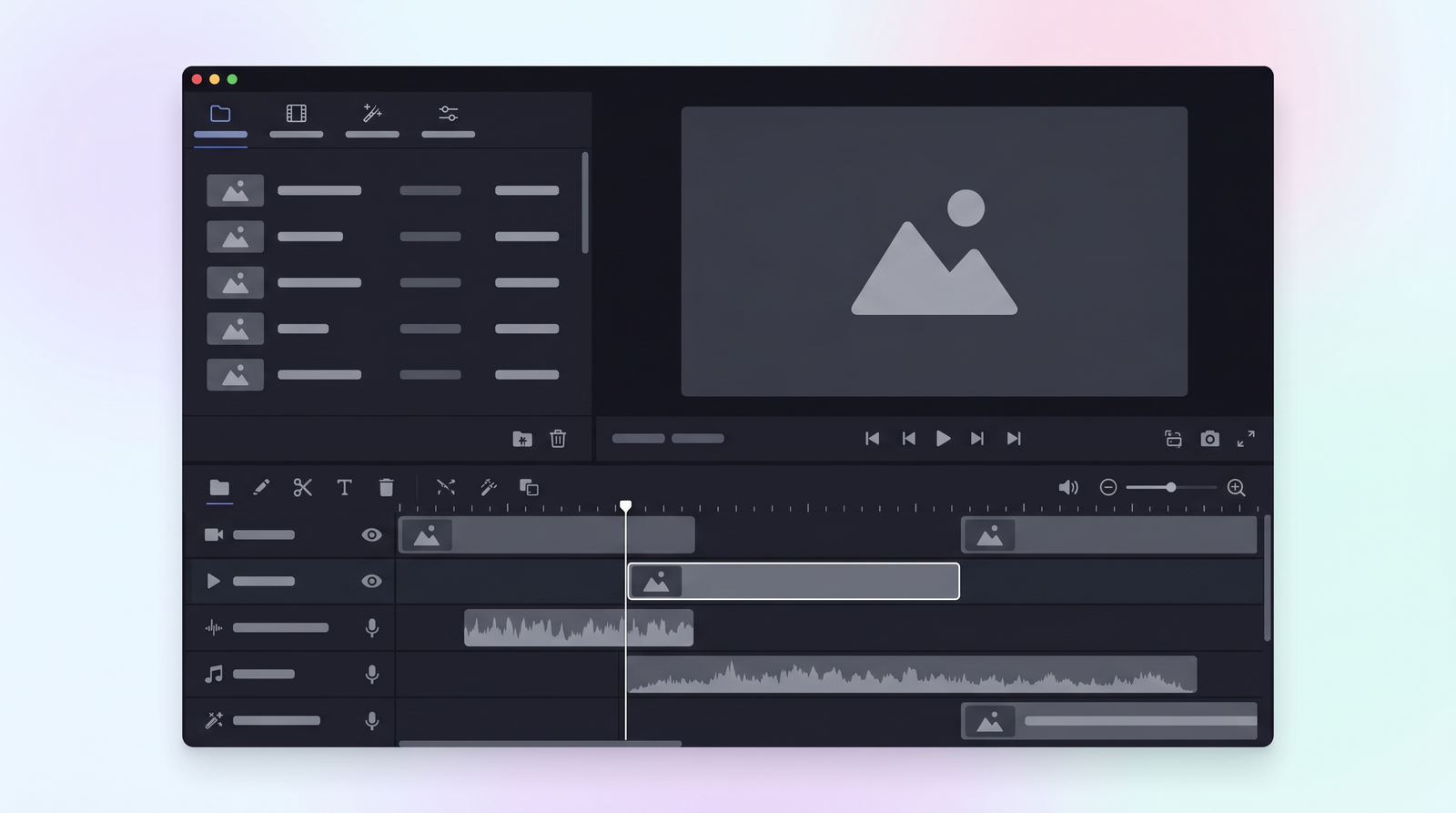
Getting started with VEED is remarkably straightforward, largely due to its browser-based nature and intuitive design. The first thing you'll notice upon logging in is a clean and organized dashboard. From here, you can easily upload your media, access your existing projects, or dive into creating a new one. There's no software to download or install, which means you can literally be editing within minutes of signing up, a huge plus for those who value efficiency.
Once you enter the editing window, you're greeted by a drag-and-drop interface that makes manipulating video clips, images, and audio surprisingly simple. The layout typically features your media library, a preview window, and a timeline at the bottom where you assemble your project. What I appreciate is how accessible it feels; even if you've never touched a video editor before, the basic actions like trimming, splitting, and adding elements are easy to grasp. It really lives up to its promise of being beginner-friendly.
The entire workflow is cloud-based, meaning your projects are saved online. This not only offers the convenience of accessing your work from any device with an internet connection but also facilitates collaboration, as team members can work on the same project without needing to transfer large files. While the interface is generally responsive, I've occasionally encountered moments where the left panel can be a bit disruptive during intricate edits, but for most tasks, it provides a smooth and efficient editing environment.
Pricing Plans & AI Credits Explained
Navigating VEED’s pricing can feel a little less transparent than its editing interface, which is a common complaint I've seen echoed by other users. They offer a range of plans, from a free tier to more robust paid subscriptions, each with varying features and limitations, particularly concerning export quality, watermarks, and access to AI tools. The concept of 'AI credits' is central to some of the more advanced AI functionalities, meaning you get a certain allowance per month, and exceeding it can incur additional costs or require an upgrade.
The free plan is a great starting point for anyone wanting to test the waters. It allows you to get a feel for the platform, but it comes with watermarks on your exports and is limited to 720p resolution. While useful for quick, low-stakes projects, it's not ideal for anything you plan to publish professionally. As you move up the tiers, you unlock higher resolutions, watermark-free exports, and increased AI credit allowances.
Here's a breakdown of the core plans I've come across. Keep in mind that pricing structures can sometimes vary between monthly and yearly billing, with yearly options generally offering a discount. The information I've found indicates some slight variations in what plans are highlighted, but the progression generally looks like this:
| Plan | Price | Best for |
|---|---|---|
| Free | $0 | Testing the platform, very basic edits, personal use with watermarks. |
| Lite | $24/month | 1080p HD exports, no watermarks, 12 hours of subtitles monthly. |
| Creator | $144/year | More serious content creators, removes watermarks, higher limits. |
| Pro | $288/year | Advanced users, professionals needing more AI tools and higher usage limits. |
Beyond these, there's often a 'Studio' or custom enterprise tier, though a specific price for a 'Studio' plan wasn't consistently available in my research. This top tier typically offers unlimited AI studio videos, advanced AI tools, and extensive translation minutes. The key takeaway here is to carefully review what each plan offers in terms of export quality, AI credit usage, and specific feature access, as the transparency around these details can sometimes leave you wanting more clarity.
VEED's Strengths: Pros & User Praises
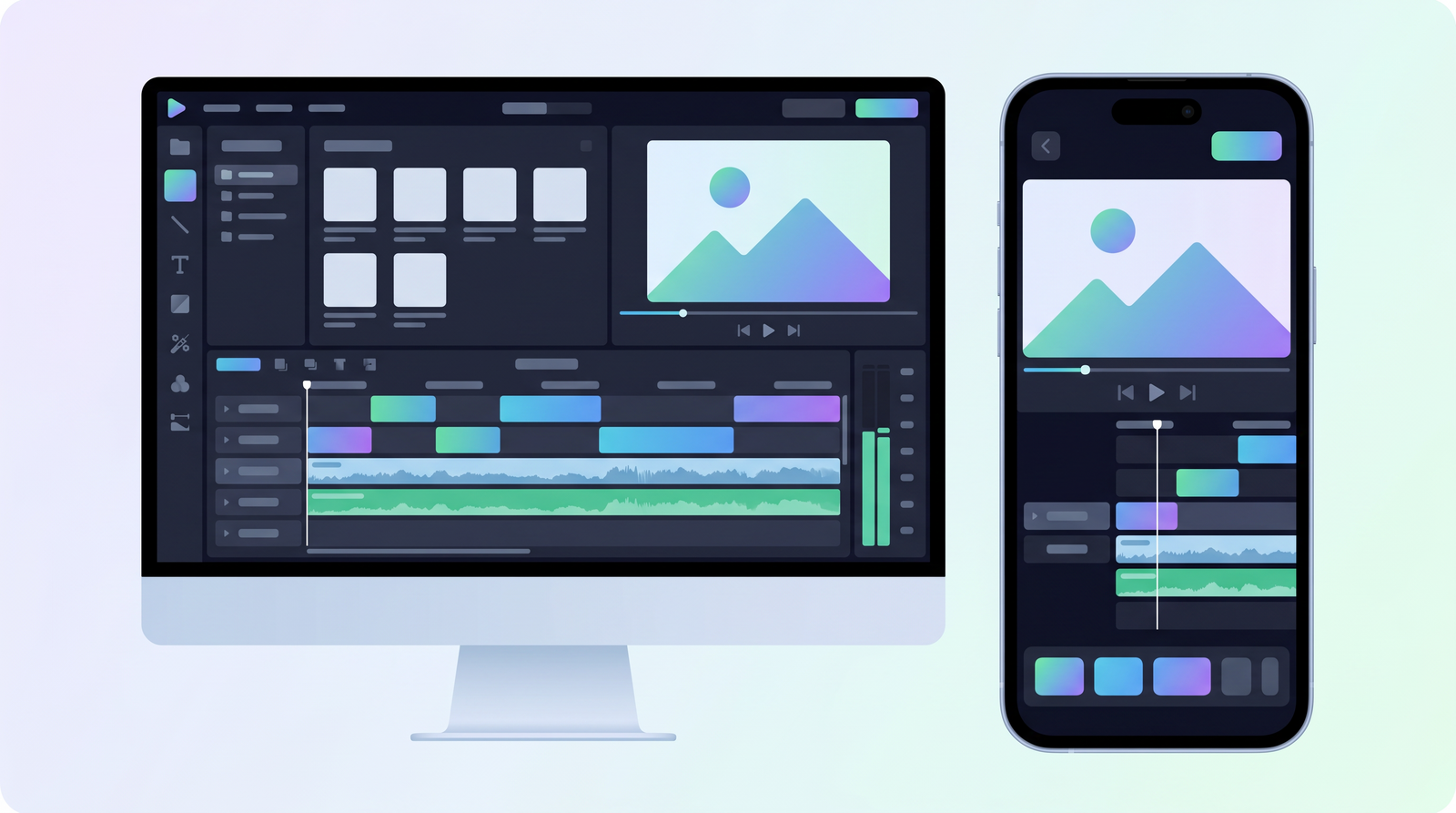
From my experience and what I've gathered from countless users, VEED's primary strength lies in its remarkable ease of use. It truly is a platform where beginners can jump in and start creating without feeling overwhelmed. The clean, intuitive interface, coupled with its drag-and-drop functionality, means you spend less time figuring out the software and more time on actual content creation. This accessibility is a huge win for anyone who finds traditional video editing software daunting.
Another significant advantage is the speed at which you can produce content. For social media creators, educators, or small businesses that need to churn out videos regularly, VEED's quick content creation capabilities are invaluable. The AI tools, when they work as intended, significantly accelerate workflows. Auto-subtitles, for example, can save hours of manual transcription, making videos instantly more engaging and accessible. This rapid turnaround is crucial in today's fast-paced digital landscape.
Users consistently praise VEED for making advanced AI features accessible. Things like background noise removal, AI avatars, and text-to-video generation, which once required specialized knowledge or expensive software, are now available at your fingertips. The platform's responsive design also contributes to a generally pleasant user experience, allowing for editing on various devices. It's clear that VEED excels at simplifying the video editing process, making it fun and empowering for many.
- Intuitive and User-Friendly: Easy for beginners to pick up.
- Quick Content Creation: Ideal for rapid video production.
- Accessible AI Tools: Auto-subtitles and AI avatars simplify complex tasks.
- Clean Interface: Reduces clutter and improves focus.
- Browser-Based: No downloads, accessible anywhere.
VEED's Weaknesses: Cons & Common Complaints
While VEED offers many advantages, it's far from perfect, and I've encountered, or heard about, several frustrations that can significantly impact the user experience. One of the most recurring complaints revolves around
performance issues. Users frequently report buffering, lag, and general unreliability, especially when working with longer videos or more complex projects. This can be incredibly disruptive, turning what should be a quick edit into a frustrating waiting game.
Another significant pain point is
export problems. There are instances where projects fail to export correctly, or the export process takes an inordinately long time, sometimes even leading to corrupted files. This can be a major setback, especially when you're up against a deadline. Coupled with this, many users have expressed dissatisfaction with
customer support, citing delays in responses and insufficient solutions to their problems. When you're stuck with a technical issue, responsive and effective support is paramount, and VEED sometimes falls short here.
I've also noticed that VEED can
struggle with user-uploaded media. While it boasts a vast stock media library, working with your own video files, particularly larger ones or those in less common formats, can lead to performance hiccups. The media handling can also feel
non-intuitive at times, with users wishing for features like folder uploads to better organize their assets. These issues, while not deal-breakers for everyone, definitely highlight areas where VEED could significantly improve to provide a more robust and professional editing environment.
Performance & User Experience
My overall experience with VEED's performance and user experience has been a mixed bag, leaning towards frustrating at times. While the initial promise of a fast, browser-based editor is appealing, the reality often falls short, particularly when you move beyond very short, simple edits. I've personally encountered the notorious
buffering and lag that many users complain about. It’s particularly noticeable when you're trying to scrub through a timeline, apply effects, or even just preview your work, turning what should be a fluid process into a choppy, stop-and-start affair.
The impact of these glitches on workflow cannot be overstated. Imagine spending hours on a project, only for the platform to become unresponsive, or worse, for your work to be lost or corrupted. This unreliability makes it difficult to trust VEED for critical projects where deadlines are tight. The
export reliability is another area of concern; there have been instances where exports either take an excessively long time or fail altogether, forcing you to re-render or even restart portions of your project.
And then there's
customer support responsiveness. When issues like these arise, prompt and effective support is crucial. However, the common sentiment, which I've also experienced indirectly, is that support can be slow and not always resolve the underlying problem. This lack of robust support, combined with performance inconsistencies, suggests that while VEED is great for quick, casual content, it might not be the most dependable choice for professional or large-scale production needs where stability and efficiency are paramount.
Who is VEED Best For? Ideal Use Cases
Given its strengths and weaknesses, VEED carves out a specific niche for itself. I'd confidently say it's
best for beginners who are just dipping their toes into video editing. Its intuitive interface and simplified workflow remove many of the barriers to entry that more complex software presents. If you're new to editing and want to quickly grasp the fundamentals without a steep learning curve, VEED is an excellent starting point.
It also shines for
social media creators and small businesses who need to produce a high volume of short-form content regularly. Think quick promotional clips, Instagram Reels, TikTok videos, or YouTube Shorts. The AI tools, like auto-subtitles and quick edits, are perfectly suited for this rapid content creation model, allowing you to generate engaging videos without significant time investment. For educators, it’s a handy tool for creating simple instructional videos or webinars.
In essence, VEED excels at tasks that prioritize speed and ease over intricate, professional-grade precision. If your goal is to create short clips, webinars, daily vlogs, or simple corporate videos that get your message across effectively and quickly, VEED is definitely worth considering. It's not designed to replace high-end video editing suites for feature films or complex documentaries, but for the everyday content creator, it offers a powerful and accessible solution.
VEED Alternatives & Comparison
While VEED has its unique appeal, it's important to recognize that the online video editing space is quite competitive. If you find VEED's performance issues or specific feature limitations to be a hindrance, there are several alternatives worth exploring, each with its own strengths. For instance, if your primary need is highly accurate transcription and scalable subtitle workflows, a specialized platform like
Sonix is often cited as outperforming VEED, offering 99%+ accuracy and professional-grade editing tools specifically for text.
For general online video editing, competitors like
Flixier, Flexclip, and WeVideo offer similar browser-based experiences. Flixier, for example, is known for its speed and cloud-based rendering, often boasting better performance for larger projects. Flexclip provides a vast template library and ease of use, making it another strong contender for quick social media content. WeVideo has been around for a while and offers a more robust feature set that can appeal to both beginners and those needing slightly more advanced capabilities.
When comparing VEED against these alternatives, it often comes down to a trade-off. VEED's AI features are a significant draw, but its reliability and performance can sometimes lag behind. Alternatives might offer more stable editing experiences or specialized tools, but perhaps without the same breadth of AI-powered shortcuts. If you're curious to see how VEED stacks up against its competitors, you can explore detailed comparisons on Top10k to help you make an informed decision.
The Verdict: Is VEED Worth It in 2026?
After spending time with VEED and weighing its many facets, my verdict is that it's a tool with significant potential, but one that comes with a few caveats. For the right user, it absolutely offers considerable value. If you're a beginner, a social media enthusiast, an educator, or a small business needing to produce a steady stream of simple, engaging video content quickly, VEED's intuitive interface and powerful AI tools can be a game-changer. Its ability to generate auto-subtitles, remove background noise, and even create AI avatars with ease makes rapid content creation highly accessible.
However, it's crucial to balance these benefits against its current drawbacks. The recurring complaints about performance issues – buffering, lag, and unreliable exports – are not to be overlooked. These can severely impact workflow and cause significant frustration, especially for projects with tight deadlines or when dealing with larger, more complex video files. The transparency around pricing and AI credit usage could also be improved to help users better understand their investment.
Ultimately, whether VEED is worth it in 2026 depends on your specific needs and tolerance for occasional technical hiccups. For casual creators, those prioritizing speed and simplicity, and individuals who can work within its limitations, VEED is a decent online video editing tool. But if you're looking for a rock-solid, professional-grade editor for high-stakes projects where stability and flawless performance are non-negotiable, you might find yourself needing to explore more robust alternatives. It's a fantastic entry point into AI-powered video editing, but it still has some room to grow in terms of overall reliability and polish.
Full profile and live ranking: https://top10k.com/ai/veed
Published by

Top10k Tools is a suite of online utilities featuring a wide range of free utilities that help simplify everyday tasks.
The platform covers a broad mix of SEO tools, converters, dev utilities, and image editors. Each tool runs right in the browser, making them quick to access anywhere.
Our mission is building 10,000 free mini tools that solve real problems.
From freelancers to small teams, there's likely a tool that fits. Find your next favorite tool.
Frequently asked questions
Is VEED genuinely free to use?
Yes, VEED offers a free plan that allows you to use many of its basic editing and AI features. However, free exports will typically include a watermark and be limited to 720p resolution. It's a great way to try out the platform before committing to a paid subscription.
What are VEED's main pricing plans?
VEED offers several paid tiers beyond its free plan, including Lite, Creator, and Pro plans, with varying features and pricing structures (monthly or yearly). These plans typically remove watermarks, increase export resolution, and provide more AI credits and advanced tools. There's also a higher-tier Studio plan for extensive use, though its exact pricing isn't always explicitly detailed.
Are AI credits important in VEED?
Yes, AI credits are crucial for accessing and utilizing VEED's more advanced AI-powered features, such as extensive auto-subtitle generation, AI avatars, and text-to-video capabilities. Your monthly allowance of AI credits depends on your subscription plan, and exceeding them may require an upgrade or additional purchase.
Is VEED good for beginners?
Absolutely. VEED is highly praised for its user-friendly, drag-and-drop interface and intuitive design, making it an excellent choice for beginners. You don't need prior video editing experience to start creating engaging content quickly.
What are common complaints about VEED?
Common complaints include performance issues like buffering and lag, particularly with longer or more complex projects. Users also report occasional export problems, slow customer support, and difficulties when handling user-uploaded media or organizing assets.
What are some alternatives to VEED?
Several alternatives to VEED exist, depending on your specific needs. For transcription, Sonix is a strong competitor. For general online video editing, platforms like Flixier, Flexclip, and WeVideo offer similar browser-based experiences with varying feature sets and performance.
Can I create professional videos with VEED?
While VEED can produce high-quality videos, its suitability for 'professional' work depends on the definition. For quick, high-volume social media content or marketing videos, it excels. However, for complex, high-stakes projects requiring absolute reliability, intricate editing, and advanced color grading, you might find its performance issues and feature set limiting compared to dedicated desktop software.
Does VEED work with my own video files?
Yes, VEED allows you to upload and edit your own video files. However, users have reported that the platform can sometimes struggle with performance and reliability when working with larger user-uploaded media files, or those in less common formats, leading to buffering or lag.